
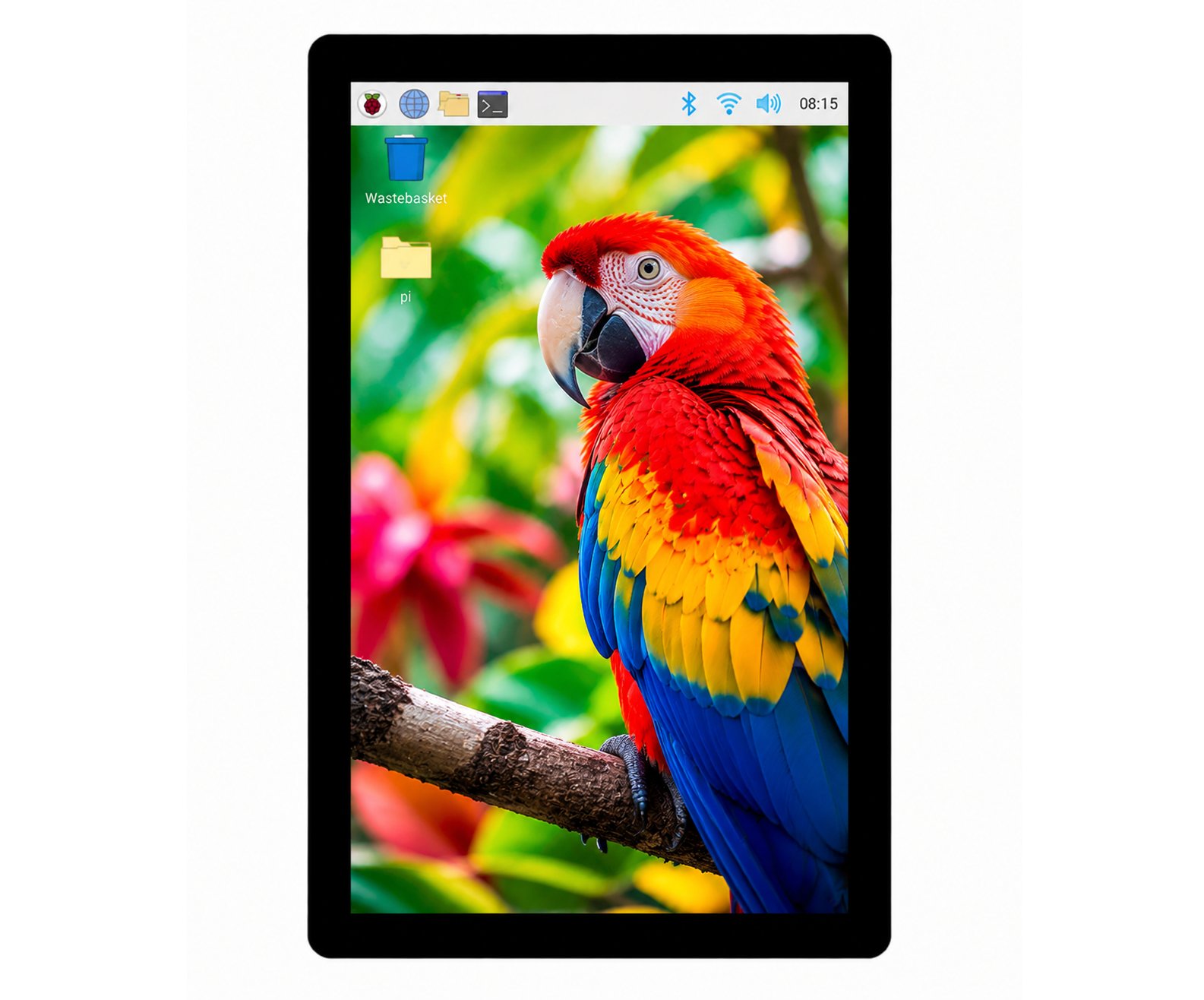
10.1 inch 1200*1920 DSI MIPI Display for Raspberry pi(CM4/CM5)— Plug & Play Industrial Display
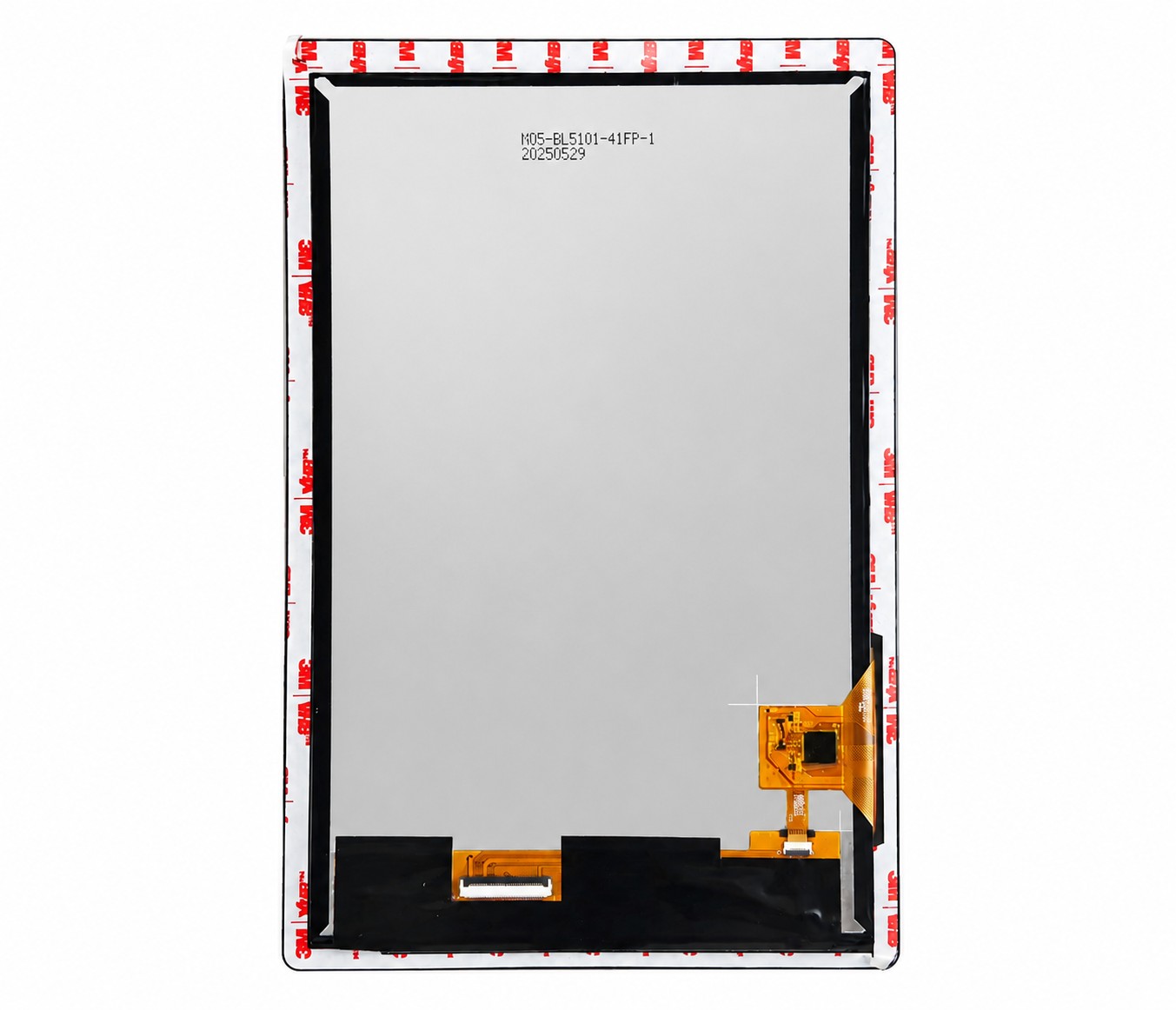
10.1 display module, 1200*1920 resolution, MIPI DSI interface, 800+ brightness. Suitable as a starting point for LCD, controller board, cable, touch or cover glass RFQ matching.
10.1 inch 1200*1920 DSI MIPI Display for Raspberry pi(CM4/CM5)— Plug & Play Industrial Display
10.1 display module, 1200*1920 resolution, MIPI DSI interface, 800+ brightness. Suitable as a starting point for LCD, controller board, cable, touch or cover glass RFQ matching.
Model: OPK-RPI-101-1200X1920-800N
Key specifications
- Part number
- OPK-RPI-101-1200X1920-800N
- Product family
- Displays For Raspberry Pi
- Size
- 10.1
- Resolution
- 1200*1920
- Interface
- MIPI DSI
- Brightness
- 800+
- Touch interface
- I2C
Raspberry Pi display integration overview
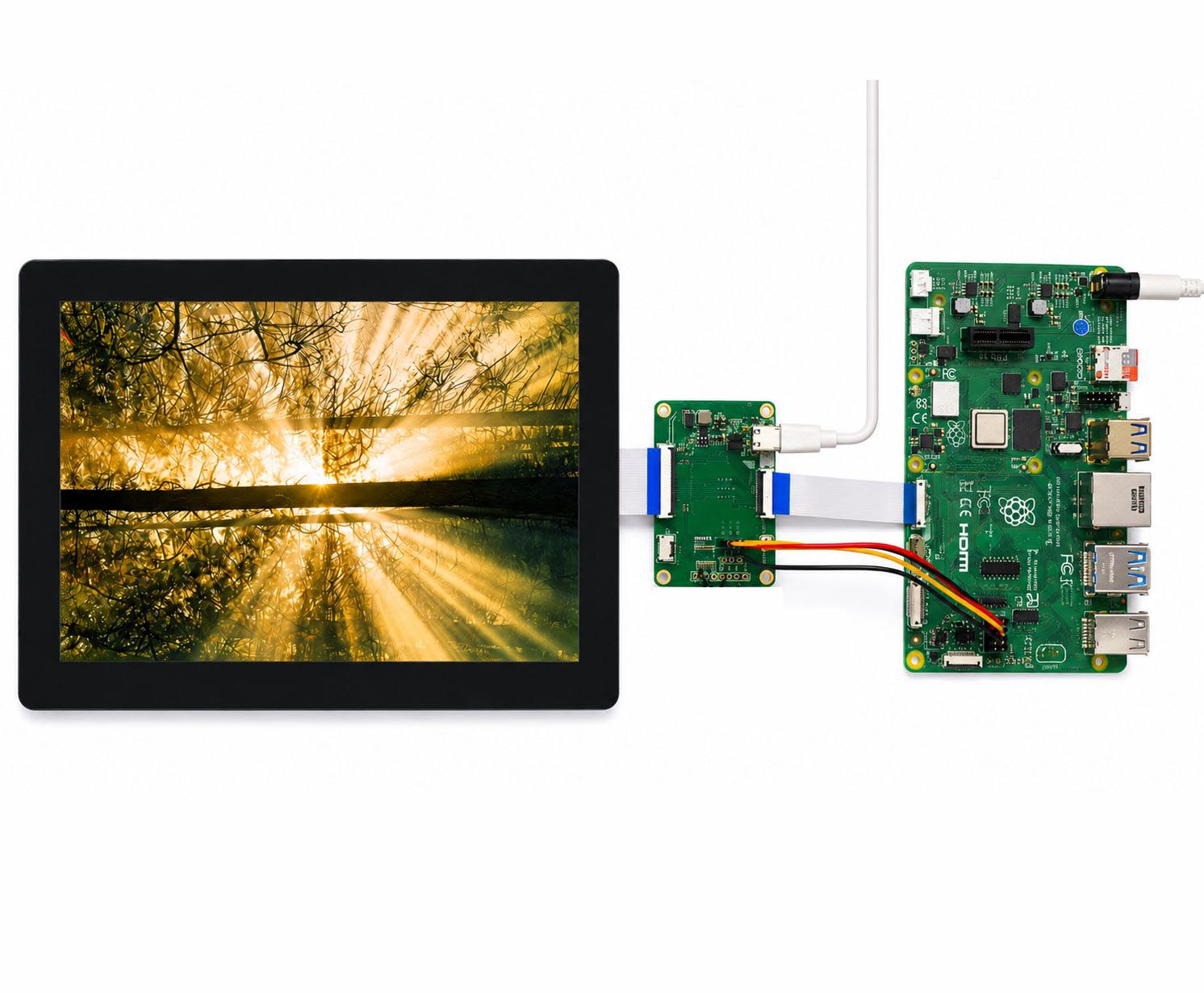
Raspberry Pi display module for embedded UI, HMI prototype and compact industrial control projects.
Core configuration: 10.1 inch class, 1200*1920 resolution, MIPI DSI interface.
Brightness range is listed as 800+ cd/m2 class for first-pass selection.
Confirm Raspberry Pi model, cable direction, enclosure space and touch requirements before sampling.
Feature
Industrial-grade performance
High-brightness displays maintain content visibility in various lighting conditions, especially in strong outdoor light environments.
Most of our high-brightness displays can reach over 800cd/m², or some even go up to 2500cd/m².
- Industrial-grade operating temperature and long life time
- 1000nits support sunlight visible
- High color reproduction
- IPS supports perfect visual performance from every angle.
How to make the lcd wording on CM4/CM5 quickly?
-
Use the KD101_CM4 converter board with integrated backlight driver to convert the 40-pin LCD interface to 22-pin MIPI DSI + I²C.
-
Flash the latest Raspberry Pi OS to the SD card using Raspberry Pi Imager, then set up an Ubuntu LTS virtual machine as the cross-compilation environment.
-
Pull the latest Raspberry Pi source code, then clone our driver and device tree files into the corresponding directories.
-
Compile the kernel and device tree to generate the required .ko and .dtbo files.
-
Transfer the compiled files to the CM4 via SSH or SD card.
-
Install the files:
-
.dtbo→/boot/firmware/overlays/ -
.ko→/lib/modules/$(uname -r)/extra/
Then run:sudo depmod -a
-
-
Update
config.txtby adding the corresponding dtoverlay to complete the setup.
Raspberry Pi Display Solutions,Made Simple
Raspberry Pi is open-source, easy to use, and highly cost-effective, making it ideal for rapid product development.
With extensive experience in Raspberry Pi display solutions, KADI DISPLAY helps customers solve driver adaptation, display bring-up, and touch integration challenges. We also provide custom converter boards and PCBA solutions to ensure stable interface and signal compatibility.
This allows customers to focus on application development while reducing integration time and engineering complexity.
Flexible Customization Solutions
At KADI DISPLAY, we provide comprehensive OEM/ODM customization services to meet diverse project requirements. Our customization capabilities include cover glass, capacitive touch panels (TP), optical bonding, display interfaces, brightness enhancement, and custom PCBA development.
Backed by strong in-house engineering and manufacturing capabilities, we can deliver tailored display solutions with precise mechanical fitting, reliable performance, and stable long-term supply for industrial, medical, automation, and embedded applications.
- We made the Cover Glass as your request. LOGO/Color/Shape/Thickness...
- Customize the Backlight, brightness and thickness could be change
- Customize the LCM and CTP pinout
- Customize the interface, TTL/LVDS/MIPI/EDP/DP/HDMI/Type-C/VGA/USB-A
- Customize FPC and Cable
- Customize housing for easier assembly
FAQ
Q1: Can this display be used outdoors?
A: Absolutely. With high brightness, full lamination (OCA), and robust industrial-grade construction, it is ideal for outdoor cameras, charging stations, and advertising kiosks.
Q2: Is technical support available?
A: We offer comprehensive technical support, including 2D and 3D drawings, detailed datasheets, and Linux-based guidance for both the LCD and capacitive touch panel (CTP). Additionally, we provide an adapter board (AD board) for rapid screen activation, allowing you to quickly test prototypes and samples.
Q3: Can I customize the display?
A: Yes, we offer customization options including interface, brightness, touch configuration, and size, allowing you to tailor the module to your project requirements.
Q4: What kind of quality standards are followed?
A: All displays are AOI-inspected and manufactured in Class 1000 cleanrooms, following ISO 13485 & IATF 16949 standards to ensure high-quality, defect-free products.
Q5: How do I use this display with a Raspberry Pi?
A: We offer ready-to-use Raspberry Pi drivers, including LCD display driver and I2C touch driver, enabling plug-and-play integration for fast development and deployment.https://github.com/Alan-wang9707/KD101QWU88FP-CM4/tree/main
Detailed parameter table
Use these values as a first-pass check before final RFQ confirmation.
| Part number | OPK-RPI-101-1200X1920-800N |
|---|---|
| Product family | Displays For Raspberry Pi |
| Size | 10.1 |
| Resolution | 1200*1920 |
| Interface | MIPI DSI |
| Brightness | 800+ |
| Touch interface | I2C |
| Viewing direction | 85/85/85/85 |
| Operating temp | -10~60℃ |
| Storage temp | -20~70℃ |
| Application | Raspberry Pi / CM4 / CM5 display integration |
| Item | Specification |
| LCD Size | 10.1 |
| Number of Pixels | 1200 x 1920 |
| Pixel Pitch | 0.1505 (H) x 0.1432 (V) |
| Display Colors | 16.7M |
| Active Area | 135.36 (H) x 216.58 (V) |
| Outline Dimension(mm) | 165.6(H) x 246.96 (V) x 8.00 (D) |
| Driver IC | GT928 |
Related Products
 Displays For Raspberry Pi
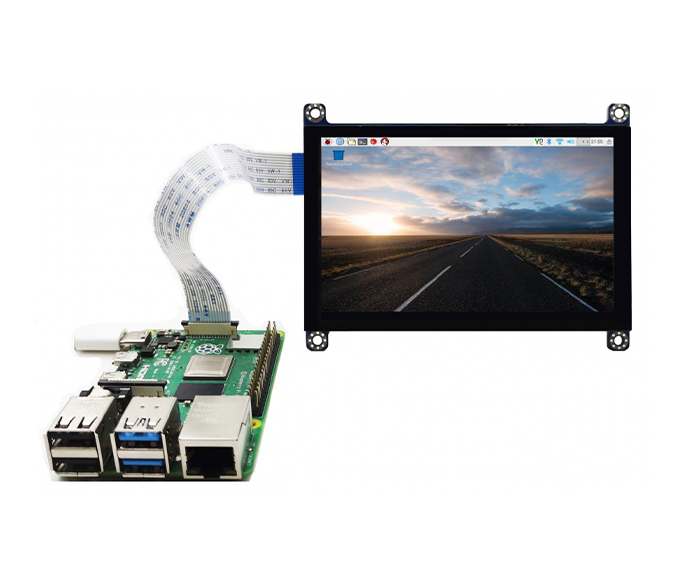
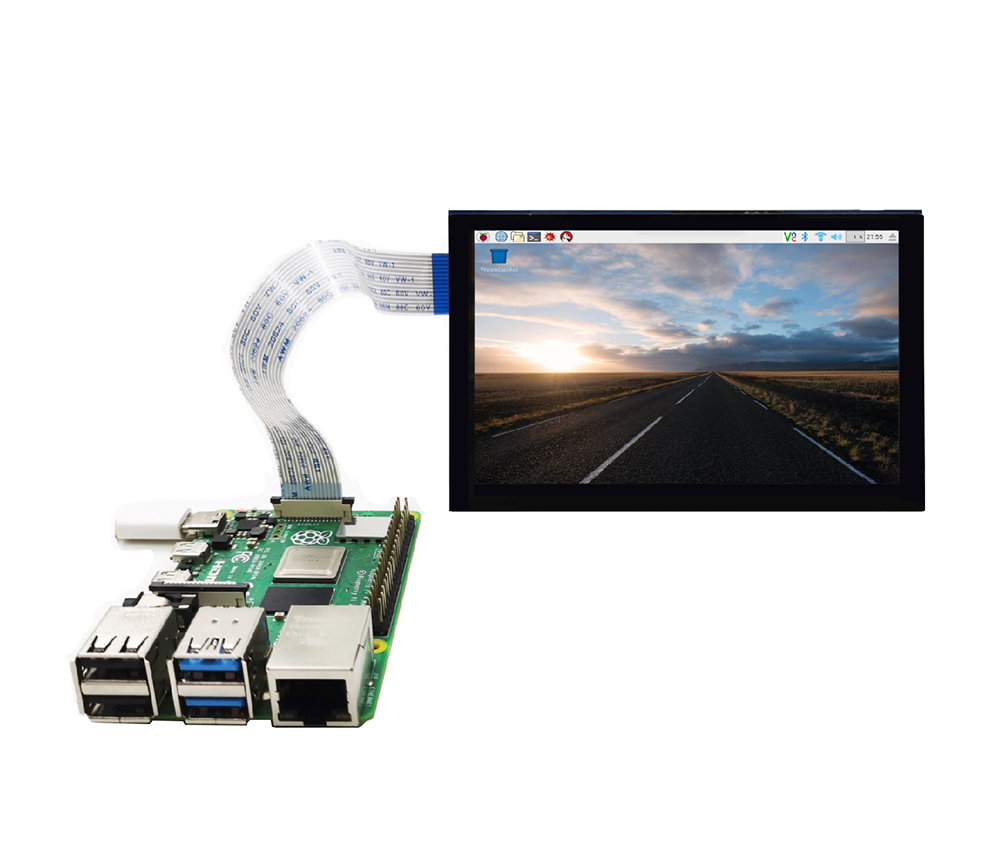
5.0- Inch 800*480 DSI MIPI Display for Raspberry Pi
OPK-RPI-50-800X480-400N
Displays For Raspberry Pi
5.0- Inch 800*480 DSI MIPI Display for Raspberry Pi
OPK-RPI-50-800X480-400N
 Displays For Raspberry Pi
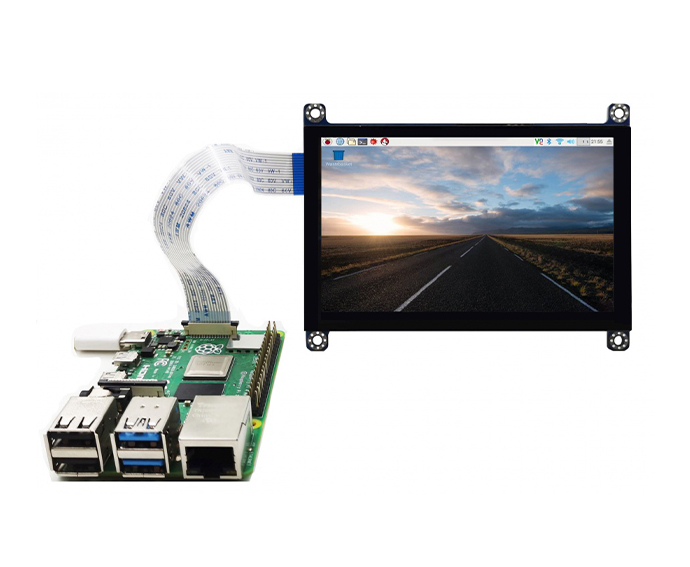
5.0 inch 800*480 DSI MIPI with 1000nits for Raspberry Pi
OPK-RPI-50-800X480-800N
Displays For Raspberry Pi
5.0 inch 800*480 DSI MIPI with 1000nits for Raspberry Pi
OPK-RPI-50-800X480-800N
 Displays For Raspberry Pi
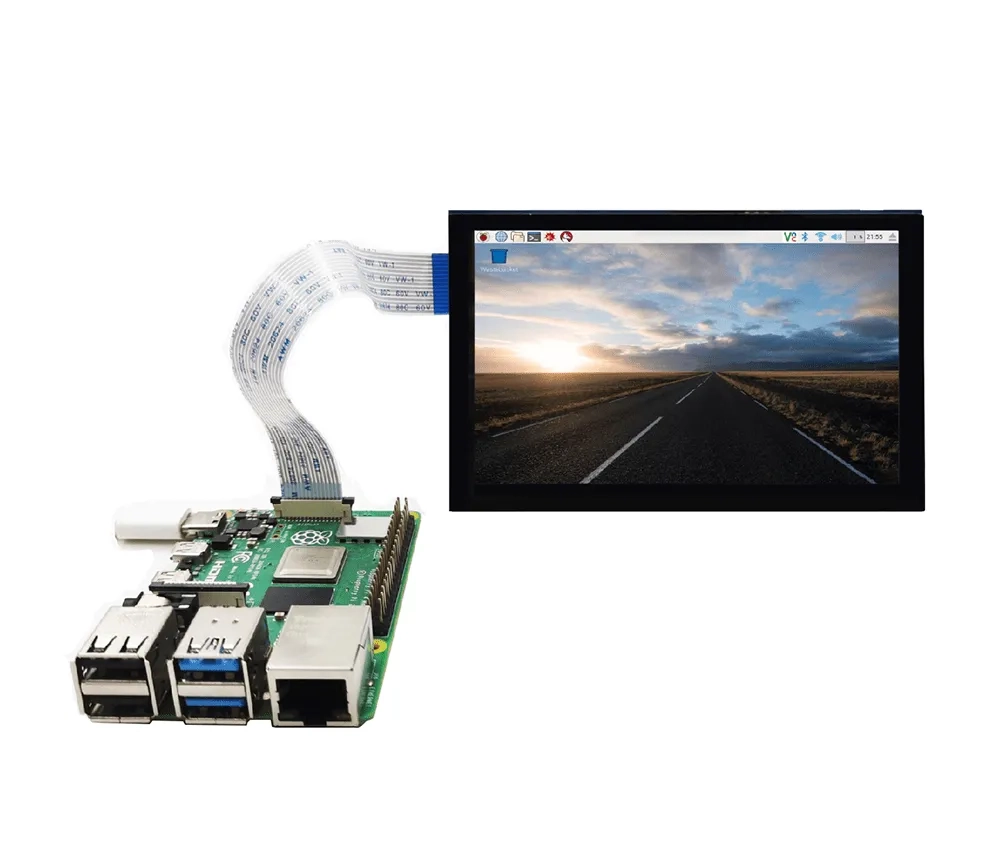
4.3 inch 800*480 DSI MIPI with 1000nits for Raspberry Pi 1000 nits
OPK-RPI-43-800X480-400N
Displays For Raspberry Pi
4.3 inch 800*480 DSI MIPI with 1000nits for Raspberry Pi 1000 nits
OPK-RPI-43-800X480-400N
 Displays For Raspberry Pi
7.0 inch 800×480 IPS MIPI DSI TFT LCD Display for Raspberry Pi (800nits, Plug-and-Play)
OPK-RPI-70-800X480-800N
Displays For Raspberry Pi
7.0 inch 800×480 IPS MIPI DSI TFT LCD Display for Raspberry Pi (800nits, Plug-and-Play)
OPK-RPI-70-800X480-800N
Recommended Products
Displays For Raspberry Pi
5.0- Inch 800*480 DSI MIPI Display for Raspberry Pi
OPK-RPI-50-800X480-400N
Displays For Raspberry Pi
5.0 inch 800*480 DSI MIPI with 1000nits for Raspberry Pi
OPK-RPI-50-800X480-800N
Displays For Raspberry Pi
4.3 inch 800*480 DSI MIPI with 1000nits for Raspberry Pi 1000 nits
OPK-RPI-43-800X480-400N
Displays For Raspberry Pi
7.0 inch 800×480 IPS MIPI DSI TFT LCD Display for Raspberry Pi (800nits, Plug-and-Play)
OPK-RPI-70-800X480-800N